Metal Detector Keeps Dying? Check These 3 Common Battery Issues
As an Amazon Associate we earn from qualifying purchases. Some links on this page are affiliate links, which means we may earn a small commission if you make a purchase.
Power faults are the only detector failures that can be diagnosed and fixed mid-field with what fits in a coat pocket, which is why a dying detector is worked from the battery compartment outward—the three issues then read as a hierarchy from most to least fixable.
Most power failures stem from simple, fixable issues with batteries or connections rather than serious equipment faults. A detector that cuts out unexpectedly wastes valuable permission time and is easily avoided with basic checks.
Diagnosing unexpected shutdowns
Modern detectors draw a constant current, even when they’re not beeping. The most frequent cause begins with the batteries themselves. Standard alkaline cells from a cheap multipack often can’t maintain the required voltage when the coil activates. This voltage drop makes the detector think the batteries are flat, prompting a shutdown.
Dirty or corroded contacts inside the battery compartment create resistance, interrupting the electrical path. You might notice the machine works when stationary but cuts out as you swing it, because movement causes micro-interruptions. A battery pod that isn’t clicked in securely can cause similar intermittent faults.
The first and easiest fix: contact cleaning
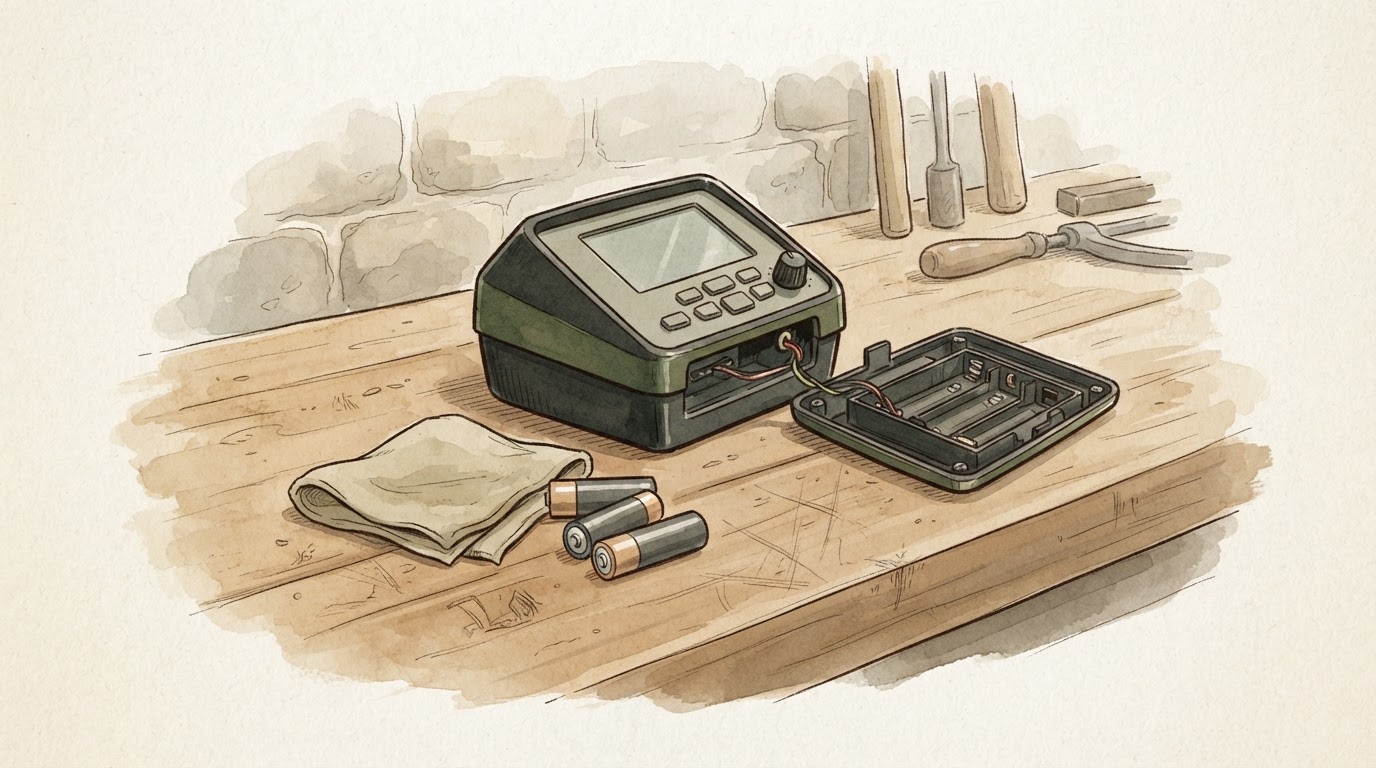
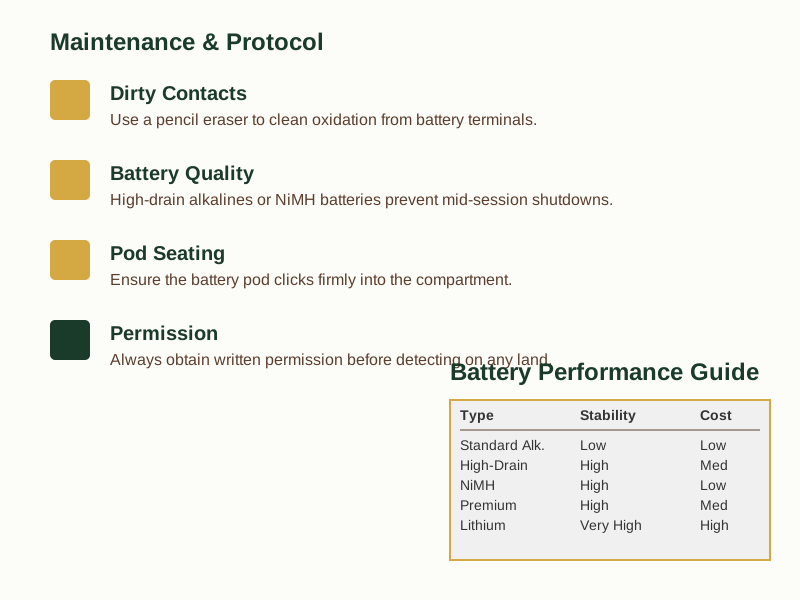
Open the battery compartment and remove the pod. Inspect the metal terminals inside. If you spot any white or greenish powder, that’s corrosion. Use a soft pencil eraser to scrub the contacts gently, then wipe away the debris with a dry cotton swab.
For stubborn corrosion, a cotton swab dipped in a little white vinegar will dissolve it. Ensure everything is completely dry before you put the batteries back. Also verify the battery pod itself is seated properly. Sometimes simply removing it and clicking it firmly back into place resolves a poor connection. This costs nothing and is always worth trying first.
Selecting batteries for reliable performance
For regular detectorists, dependable power is a practical necessity, not an extravagance. Budget alkaline batteries become a false economy if they fail halfway through a session. High-drain alkaline cells, designed for power-hungry devices like digital cameras, handle a detector’s demands much more effectively.
Rechargeable NiMH batteries are another solid option if your detector supports them. Opt for high-drain rechargeables specifically, as some standard NiMH cells can have a lower voltage that might trigger premature low-battery alerts. While standard alkalines might suffice for occasional users, for monthly or weekly outings, investing in quality cells saves more frustration than it costs.
Your legal responsibilities remain active
A detector’s power state doesn’t affect your legal duties. The NCMD code of conduct is explicit: you must “Obtain permission before venturing on to any land.” This obligation applies the moment you step onto land with the intent to detect.
Public access rights are frequently misunderstood. The Countryside and Rights of Way (CRoW) Act 2000 grants a right to walk on mapped access land, but Schedule 2 specifically excludes using a metal detector. This means parks, commons, and public footpaths all require explicit permission from the landowner or the tenant in occupation. The NCMD further advises that tenants can refuse permission even if the landowner has agreed, so always check with the person actually managing the land. Securing written confirmation, like a text or email, is standard good practice.
Ruling out hardware problems
If a thorough contact clean and fresh, high-quality batteries don’t stop the shutdowns, an internal fault becomes a possibility. Check your detector’s warranty status—terms vary significantly between brands. The next logical step is to contact an authorised service centre. They can properly diagnose the issue; often a repair proves more economical than purchasing a new machine.
Replacement parts are generally available for detectors from the main manufacturers. A professional assessment is sensible before concluding a unit is beyond saving.
Battery performance compared
| Battery Type | Voltage Stability | Best For | Cost per Session |
|---|---|---|---|
| Standard Alkaline | Low (Voltage Sag) | Occasional use | Low |
| High-Drain Alkaline | High | Regular detecting | Medium |
| NiMH Rechargeable | High (if high-drain) | Monthly use | Low (long term) |
| Cheap Multipack | Low | Beginners | Low |
| Premium Rechargeable | High | Enthusiasts | Medium |
| Lithium | Very High | Extreme conditions | High |
Addressing common queries
Can I use rechargeable batteries? Yes, but choose high-drain rechargeables. Some standard NiMH cells can have a lower nominal voltage, which may lead to early low-battery warnings. Always consult your detector’s manual for supported battery types.
What if I find a potential treasure item with the detector switched off? The legal obligation under the Treasure Act 1996 applies to any find made with a metal detector, regardless of the machine’s power state. If you discover an object that meets the treasure criteria, you are legally required to report it to your local Finds Liaison Officer within 14 days of realising it might be treasure.
Is metal detecting permitted on public land? Generally, no. Public spaces like parks, commons, and public footpaths require explicit permission from the landowner or managing authority. Public access rights for walking do not extend to metal detecting. Searching on a protected scheduled monument without specific consent is a criminal offence.
Extending detector life beyond the battery
The habit that keeps a detector running reliably for years isn’t just about the batteries. It’s the discipline of removing cells for storage, checking contacts periodically, and ensuring the pod is secure before each hunt. These simple routines prevent most power issues from ever starting. A reliable detector is pointless if you can’t get onto land legally. Before your next outing, make sure your approach to permissions and reporting is as solid as your equipment. Our free checklist provides a clear framework for securing access and understanding your obligations, so you can focus on the hunt.
This guidance provides general information. Always confirm specific legal and technical details with the relevant authorities or qualified professionals.
Related Guides
For a complete overview, see our Why Does My Metal Detector Keep Giving False Signals? .